.png)
Setting Up 4K PC Live Wallpapers: A Gentle Guide to Digital Serenity
- kiborise
- Mar 30
- 4 min read

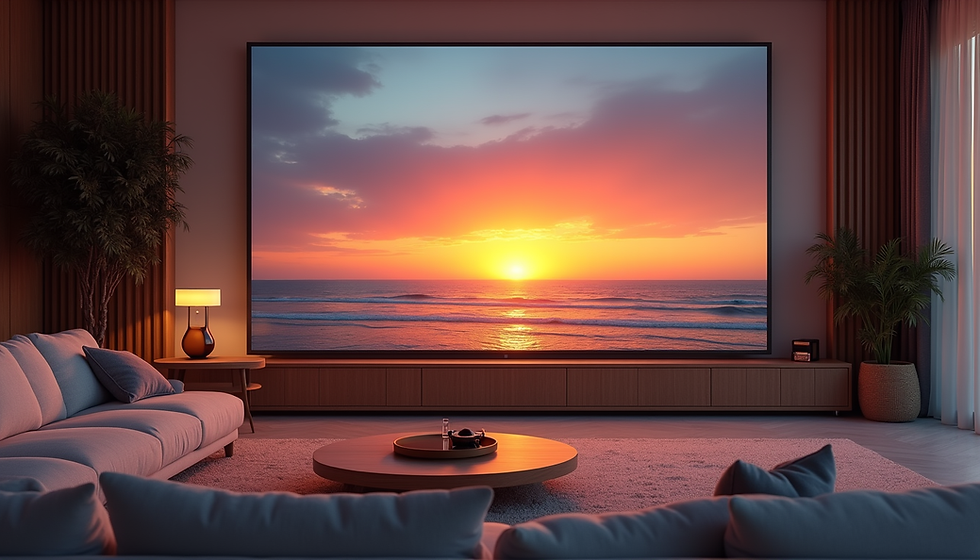
Imagine your computer screen as a window to a tranquil world, where every glance brings a moment of calm and inspiration. Setting up 4K PC live wallpapers can transform your digital space into a soothing sanctuary. With vibrant colors and smooth animations, these wallpapers invite you to pause, breathe, and enjoy a peaceful break from the rush of daily life. Let me walk you through the simple steps to bring this serene experience to your desktop.
Why Choose 4K PC Live Wallpapers?
When you think about your workspace, what feelings do you want it to evoke? For me, a clutter-free, visually appealing environment helps me focus and relax. 4K PC live wallpapers offer stunning clarity and depth, making your screen come alive with breathtaking scenes. Whether it’s a gentle waterfall, a blooming garden, or a starry night sky, these wallpapers add a touch of nature’s beauty right to your desk.
The crispness of 4K resolution means every detail is sharp and vivid. It’s like having a tiny window into another world, where colors pop and movements flow naturally. This immersive quality can subtly lift your mood and reduce stress, especially during long hours at the computer.
Here’s why I love 4K PC live wallpapers:
Visual richness: Ultra-high definition brings scenes to life.
Dynamic ambiance: Soft animations create a calming rhythm.
Personalized space: Choose themes that resonate with your mood.
Digital well-being: Encourages mindful moments throughout your day.

How to Set Up 4K PC Live Wallpapers Easily
Getting started with 4K live wallpapers is simpler than you might think. You don’t need to be a tech wizard to enjoy this upgrade. Here’s a step-by-step guide to help you set up your own peaceful digital backdrop:
Check Your PC’s Compatibility
Ensure your computer supports 4K resolution and has enough processing power. Most modern PCs handle 4K smoothly, but it’s good to verify your display settings and graphics capabilities.
Choose Your Live Wallpaper Software
There are several apps designed to bring live wallpapers to your desktop. Look for one that supports 4K resolution and offers a variety of calming themes. Many apps provide free options alongside premium content.
Download and Install the Software
Follow the installation instructions carefully. Once installed, open the app and browse through the available wallpapers.
Select Your Favorite 4K Live Wallpaper
Pick a wallpaper that speaks to you. Maybe a serene ocean wave or a gentle snowfall. Preview it to see how it looks on your screen.
Adjust Settings for Performance and Comfort
Most apps let you tweak animation speed, sound (if any), and power usage. Find a balance that keeps your PC running smoothly without draining resources.
Set the Wallpaper as Your Desktop Background
Apply the wallpaper and enjoy the new ambiance. You can always switch it up whenever you want a fresh dose of calm.
Remember, the goal is to create a space that feels inviting and peaceful. Don’t hesitate to experiment with different scenes until you find the perfect match.

Do Animated 4K Wallpapers Drain Battery?
This is a question I often ask myself when trying to balance beauty and efficiency. Animated wallpapers, especially in 4K, do use more system resources than static images. However, the impact on battery life depends on several factors:
Type of animation: Subtle, slow-moving animations consume less power than fast, complex ones.
Software optimization: Well-designed apps minimize CPU and GPU usage.
Hardware efficiency: Newer laptops and desktops handle animations more efficiently.
Screen brightness and settings: Higher brightness levels increase battery drain regardless of wallpaper.
If you’re using a laptop and want to preserve battery life, consider these tips:
Choose wallpapers with gentle, slow animations.
Lower your screen brightness when possible.
Use power-saving modes that limit background activity.
Pause or disable live wallpapers when unplugged.
For desktop users, battery life is less of a concern, so you can enjoy the full immersive experience without worry. The key is to find a balance that suits your lifestyle and device.
Tips for Choosing the Perfect 4K Live Wallpaper
Selecting the right wallpaper is like picking the perfect soundtrack for your day. It should uplift, soothe, or inspire you without overwhelming your senses. Here are some ideas to guide your choice:
Nature scenes: Flowing rivers, rustling leaves, or gentle rain can create a calming atmosphere.
Abstract art: Soft colors and smooth shapes offer a modern, minimalist vibe.
Space and stars: The vastness of the cosmos can evoke wonder and peace.
Seasonal themes: Match your wallpaper to the time of year for a cozy feel.
Personal interests: Choose scenes that reflect your hobbies or dreams.
When browsing, pay attention to the animation style and color palette. Warm tones and slow movements tend to be more relaxing. Also, consider how the wallpaper interacts with your desktop icons and windows to maintain clarity and usability.
Enhancing Your Digital Well-Being with 4K Live Wallpapers
Incorporating 4K live wallpapers into your daily routine is more than just a visual upgrade. It’s a gentle invitation to pause and reconnect with yourself amid the digital noise. Here’s how these wallpapers can support your well-being:
Mindful breaks: A glance at a serene scene can remind you to breathe deeply and relax.
Reduced eye strain: Natural colors and smooth animations are easier on the eyes.
Mood enhancement: Beautiful imagery can boost your spirits and creativity.
Focus aid: A calm background reduces distractions and mental clutter.
To maximize these benefits, try pairing your wallpaper with simple habits:
Take short breaks to observe the scene and breathe.
Use headphones to listen to soft ambient sounds if your wallpaper supports audio.
Adjust your workspace lighting to complement the wallpaper’s mood.
Rotate wallpapers regularly to keep your environment fresh and inspiring.
By weaving these small rituals into your day, your computer becomes a tool for calm and focus, not just productivity.
Setting up a 4k live wallpaper for pc is a delightful way to invite peace and beauty into your digital world. With just a few clicks, you can transform your screen into a gentle escape, helping you find moments of calm and clarity whenever you need them. Embrace this simple pleasure and let your desktop be a source of quiet joy.


Comments