.png)
Benefits of 4K Live Wallpapers: Enhancing Your PC with Stunning Visuals
- kiborise
- Apr 27
- 5 min read

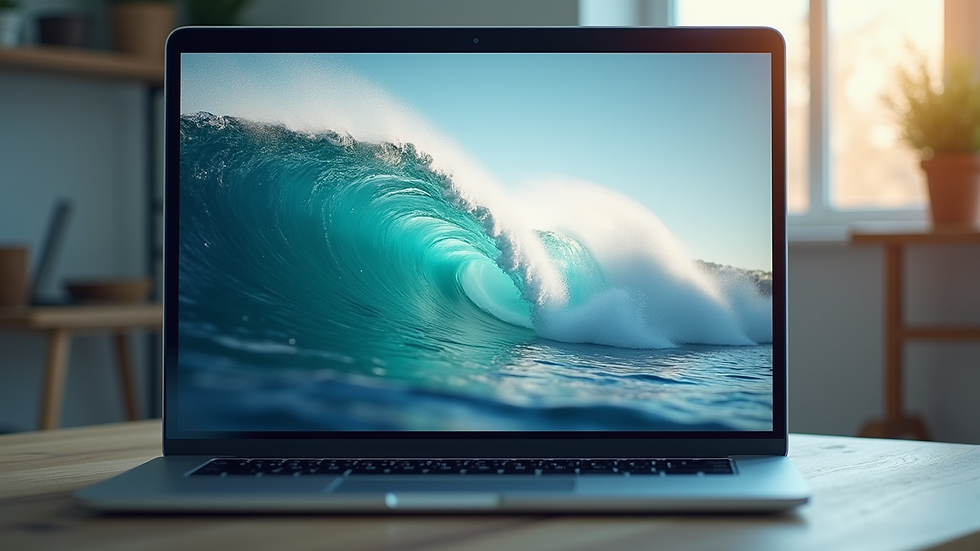
When I first discovered the magic of 4K live wallpapers, it felt like my computer screen had transformed into a window to another world. The gentle motion, the vibrant colors, and the crisp details all combined to create a soothing, immersive experience that made my workspace feel more inviting and alive. If you’ve ever wanted to add a touch of calm and beauty to your digital environment, enhancing your PC with 4K live wallpapers might just be the perfect way to do it.
The Benefits of 4K Live Wallpapers
There’s something truly special about seeing your desktop come to life with high-resolution animations. The benefits go beyond just aesthetics. Here’s why I think 4K live wallpapers are worth exploring:
Visual Clarity and Detail: The 4K resolution means every pixel is packed with detail. Whether it’s a serene forest scene or a gently flowing river, the sharpness makes the experience feel almost tangible.
Relaxation and Focus: Watching subtle movements like leaves rustling or waves lapping can be incredibly calming. It’s like having a mini nature retreat right on your screen, helping to reduce stress and improve concentration.
Personalized Ambiance: You can choose wallpapers that match your mood or the time of day. Bright, sunny landscapes for morning motivation or soft, starry skies for evening wind-downs.
Dynamic Environment: Unlike static images, live wallpapers evolve and change, keeping your desktop fresh and engaging without overwhelming your senses.
Showcasing Your Tech: If you have a high-end monitor, 4K live wallpapers let you truly appreciate its capabilities, making your setup feel premium and modern.
I found that these benefits combined to create a workspace that felt less like a sterile tool and more like a comforting companion throughout my day.

How to Choose the Perfect 4K Live Wallpaper for Your PC
Choosing the right live wallpaper is like picking the perfect soundtrack for your day. It should complement your mood and environment without becoming a distraction. Here are some tips I’ve learned along the way:
Consider Your Screen Size and Resolution
Make sure the wallpaper matches your monitor’s resolution to avoid pixelation. A 4K wallpaper on a 4K screen looks crisp and vibrant, while lower resolutions might blur the image.
Pick Themes That Soothe You
Nature scenes, gentle water movements, or soft abstract animations tend to be the most relaxing. Avoid overly bright or fast-moving wallpapers if you want to maintain focus.
Check System Compatibility
Some live wallpapers require specific software or hardware capabilities. Ensure your PC can handle the animation smoothly without lag.
Look for Customization Options
Some apps let you adjust the speed, brightness, or even the elements in the wallpaper. This flexibility helps tailor the experience to your liking.
Balance Battery and Performance
If you’re on a laptop, consider how much power the wallpaper consumes. Some options are optimized to be light on resources.
If you want to explore a wide variety of options, you can find many beautiful choices by searching for a 4k live wallpaper for pc that fits your style and needs.
Do Animated 4K Wallpapers Drain Battery?
This is a question I often asked myself before diving into the world of live wallpapers. The answer depends on several factors, but here’s what I discovered:
Resource Usage: Animated wallpapers do use more CPU and GPU power than static images because they continuously render motion. However, modern PCs with efficient graphics cards handle this quite well.
Battery Impact on Laptops: If you’re using a laptop, live wallpapers can reduce battery life, especially if the animation is complex or runs at high frame rates. But many live wallpaper apps offer power-saving modes that reduce animation quality or pause the wallpaper when on battery.
Optimization Matters: Some wallpapers are better optimized than others. Lightweight animations with subtle movements consume less power than highly detailed, fast-moving scenes.
Your Usage Patterns: If you mostly work plugged in, the battery drain is less of a concern. For mobile use, it’s wise to monitor how much power your wallpaper consumes and adjust accordingly.
In my experience, the slight battery trade-off is worth the peaceful ambiance and visual delight that 4K live wallpapers bring to my workspace.
How to Install and Customize 4K Live Wallpapers on Your PC
Getting started with 4K live wallpapers is easier than you might think. Here’s a simple step-by-step guide to help you set up your new digital oasis:
Choose Your Wallpaper Source
Find a trusted website or app that offers high-quality 4K live wallpapers. Look for user reviews and ratings to ensure reliability.
Download the Wallpaper or App
Some wallpapers come as standalone files, while others require a dedicated app to run. Follow the instructions carefully.
Install the Software (if needed)
If your wallpaper requires an app, install it and grant necessary permissions. Most apps have user-friendly interfaces for easy navigation.
Select Your Wallpaper
Browse through the available options and pick one that resonates with you. Preview it to see how it looks on your screen.
Adjust Settings
Customize animation speed, brightness, and other features to suit your preferences. Some apps allow scheduling wallpapers to change throughout the day.
Set It as Your Desktop Background
Apply the wallpaper and enjoy the new ambiance. You can always switch back to a static image if you want a break.
Keep Your System Updated
Regular updates to your wallpaper app or PC drivers can improve performance and compatibility.
By following these steps, you’ll create a personalized, calming environment that supports your digital well-being.
Creating a Calming Workspace with 4K Live Wallpapers
Your workspace is more than just a place to get things done - it’s a sanctuary where your mind can find peace and focus. I found that integrating 4K live wallpapers into my setup helped me cultivate a calming atmosphere that nurtured my well-being. Here’s how you can do the same:
Match Your Wallpaper to Your Mood
Start your day with uplifting scenes like sunrise over mountains. In the afternoon, switch to gentle rain or forest animations to maintain calm.
Pair with Soft Lighting
Dim your room lights or use warm lamps to complement the colors on your screen, creating a cozy, inviting space.
Use Soundscapes
Some live wallpapers come with optional ambient sounds like birdsong or ocean waves. These subtle audio cues can deepen your relaxation.
Take Regular Breaks
Let your eyes wander over the soothing visuals during short breaks. This can reduce eye strain and refresh your mind.
Limit Clutter
Keep your desktop icons minimal to let the wallpaper shine and avoid visual chaos.
By thoughtfully combining these elements, your PC becomes a gentle retreat from the hustle and bustle, helping you recharge and stay centered.
Embracing 4K live wallpapers has been a delightful journey for me, turning my everyday screen into a source of calm and inspiration. Whether you’re seeking a peaceful break or a way to enhance your focus, these vibrant, moving images offer a simple yet powerful way to enrich your digital life. So why not take a moment today to explore the world of 4K live wallpapers and discover the serene beauty waiting just a click away?


Comments